
Building Workflows
Describe a process in plain language — Forge builds the workflow, runs it with test data, and shows you where each step succeeds or fails.
A workflow is a process: something comes in, steps run, something goes out. That's also the easiest way to describe one to Forge — as a sentence with arrows in it.
Describe the process
You:   Build a workflow: an order comes in via HTTP, check that the
       item is in stock, save the order to the database, and respond
       with 200 and the order id.
Forge reads your database schema to find the right tables, plans the steps, and builds the draft: an HTTP entry point, a stock check, a database write, and the response. The whole build is one approval card — creating the flow, adding its nodes, linking them, and setting the HTTP response are rows on the same card.
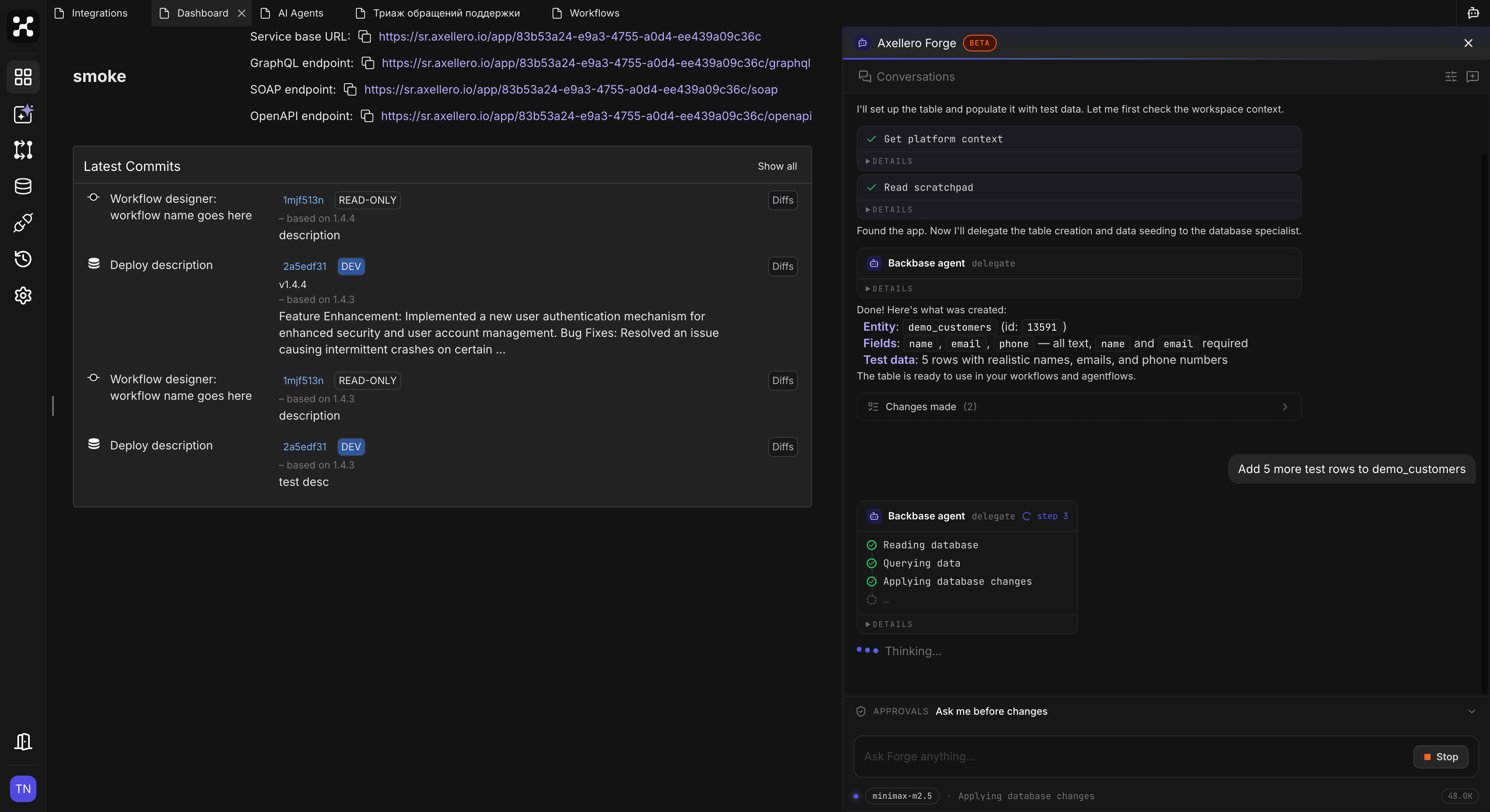
You'll see the Workflow agent group tick through its steps, then a Changes made summary with a link to the finished workflow — open it to see the graph on the canvas.
Forge starts with the happy path — the case where everything works. That's deliberate: a running skeleton first, edge cases second.
Add the branches
You: If the item is out of stock, respond with 410 instead.Forge adds the branch and its condition, and updates the responses. Conditions, loops, error handling — all of it can be requested the same way: describe the business rule, not the node mechanics.
You:   And wrap the database write in error handling — if it fails,
       respond with 500 and log the error.
Forge runs it before you do
After building, Forge verifies its work by running the draft with test data:
Forge: I ran the workflow with a test order:
       — item in stock  → 200, order saved, id returned ✓
       — item missing   → 410 ✓
       One issue: the stock check compared against the "reserved"
       field instead of "available". I fixed it and re-ran — both
       cases pass now.
Test runs show the result of every step, so when something fails you see which node failed and with what data — and so does Forge, which is how it fixes its own mistakes.
You can ask for a run at any time: "run this workflow with an order for item #55". Running a draft needs no approval and doesn't touch your live versions.
Reuse workflows inside workflows
Big processes are easier as several small workflows. Forge can nest them:
You:   Make "Validate order" a separate workflow, and call it from
       the order intake as the first step.
Forge creates the child workflow, then adds a sub-workflow step to the parent that calls it and passes the fields through. An AI agent can call a workflow the same way — as one of its tools — which is how you give agents real business actions. See Agent Features.
Go live
When the runs look right, ask Forge to deploy. That's a high-risk card, a new version number, and a live endpoint — details in Deploying.
Debugging existing workflows
Forge is just as useful on flows it didn't build:
You:   The order workflow failed a few times this morning. Why?
Forge: I checked the recent execution logs. Three runs failed at the
       "Save order" step: the "customer_email" field was empty and
       the table requires it. The requests came from the mobile app.
       Want me to make the field optional, or add a validation branch
       that responds 400 when the email is missing?
It reads the execution logs step by step, finds the failing node, and proposes fixes — which then go through the usual approvals.
Organizing workflows
Housekeeping requests work too: "move the order workflows into an 'Orders' folder", "rename this workflow to Order Intake". Deleting a workflow is a high-risk change — expect a red Approve button.